
Weekly and Monthly Project Status Report Templates
Choose a project status report template for a weekly update or a monthly review. Keep the reporting period, current status, risks, decisions and next actions visible so readers can understand what changed.
- Instant download
- Editable Word & Excel
- Print-ready PDF
- 7-day refund
6 files · DOCX, PDF, XLSX
Project Status Report Templates
One-page weekly and monthly steering status reports in Word, an Excel RAG dashboard with milestone and budget variance, risk and issue log, decision log and report checklist.
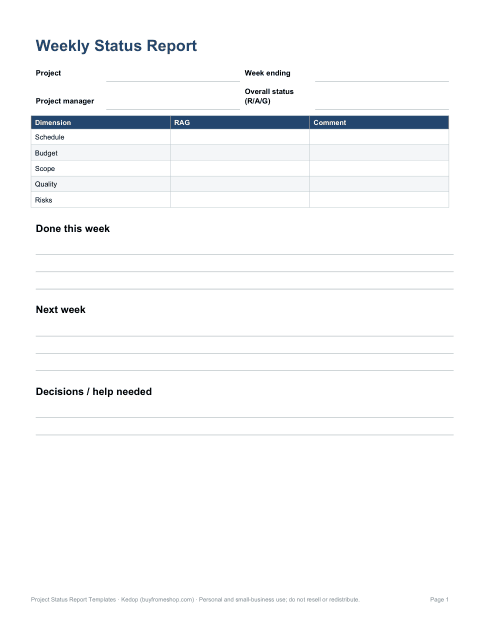
- Weekly status report (DOCX)
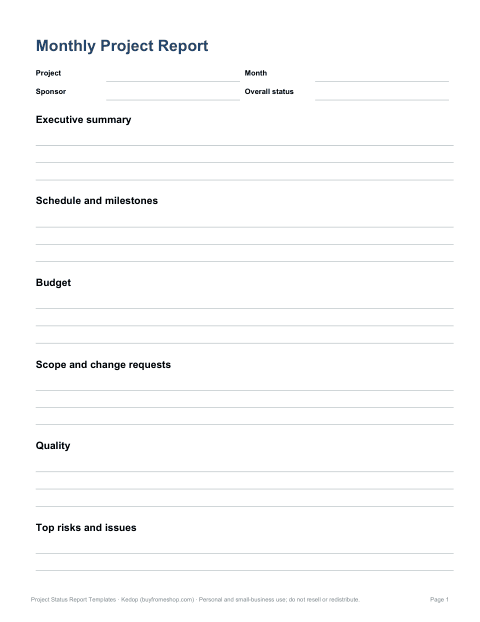
- Monthly steering report (DOCX)
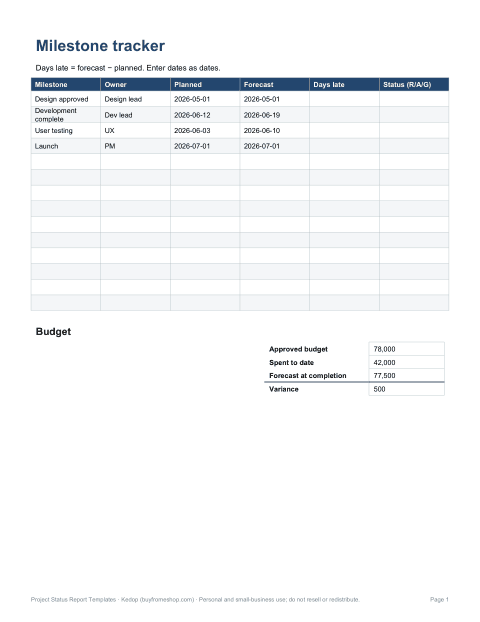
- Status dashboard (XLSX)
- + 3 more
$7.00 USD, one-time 6 files · about $1.17 each
- Instant download
- 7-day refund
- Secure checkout by Stripe
7-day money-back guarantee. Full refund within 7 days of purchase, even after you download.
Free sample: Weekly Status Report (PDF, 50 KB)
Project Status Report Templates
One-page weekly and monthly steering status reports in Word, an Excel RAG dashboard with milestone and budget variance, risk and issue log, decision log and report checklist.
- Weekly status report (DOCX)
- Monthly steering report (DOCX)
- Status dashboard (XLSX)
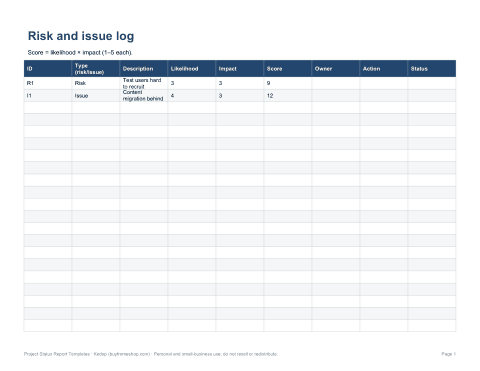
- Risk & issue log (XLSX)
- Decision log (XLSX, PDF)
- Report checklist (PDF, DOCX)
Formats: DOCX, PDF, XLSX. Instant download after payment (link valid 72 hours, up to 5 downloads). AI-assisted: the templates were drafted with AI help and reviewed and laid out before publishing.
$7.00 USD, one-time 6 files · about $1.17 each
- Instant download
- 7-day refund
- Secure checkout by Stripe
7-day money-back guarantee. Full refund within 7 days of purchase, even after you download.
Free sample: Weekly Status Report (PDF, 50 KB)
Full refund within 7 days — see the refund policy and license.
Free printables
Single sheets you can print right now, no sign-up. The full pack adds every sheet in one download plus the editable files.
 Weekly Project Status Report Template
 Printable Monthly Project Status Report
 Printable Status Dashboard
 Risk and Issue Log Template
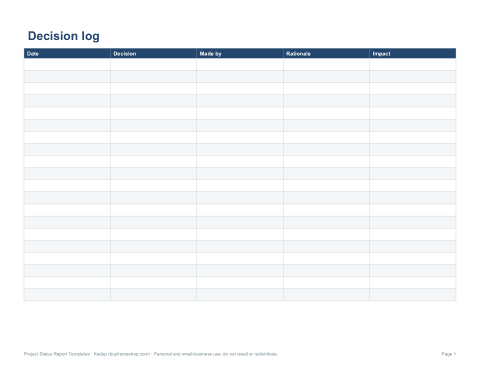
 Printable Decision Log
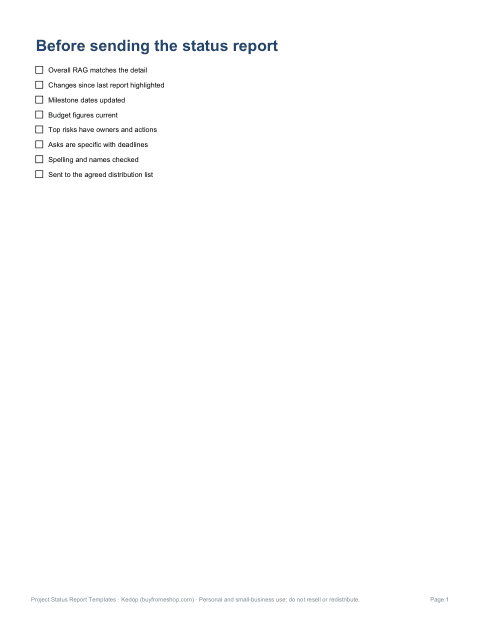
 Project Status Report Checklist
Weekly or monthly status report?
| Reporting task | Existing resource | Focus |
|---|---|---|
| Short reporting cycle | Weekly status report | Changes since the previous update |
| Monthly review | Monthly steering report | Milestones and decisions |
| Status overview | Status dashboard | Summarise the current position |
| Track open concerns | Risk and issue log | Owner and next action |
| Record a choice | Decision log | Decision and context |
Make status labels useful
For a red, amber or green label, state what the colour means in your project and add a short reason. Distinguish a risk that may happen from an issue already affecting work. Give actions an owner and date, and make a decision request explicit rather than hiding it in the summary.
Example update
Fictional project example: Amber — a draft has been completed, but the reviewer’s response is still needed. Next action: Morgan to collect comments by 18 June 2026. Decision needed: confirm which draft goes to the next review. All names, dates and events in this example are invented.
Frequently asked questions
Which report should I start with?
Use the weekly form for near-term changes and actions, or the monthly report for a broader review period.
Are the free dashboard and log spreadsheets?
The free individual downloads are PDFs. Editable versions are part of the paid pack.
Does a colour replace an explanation?
No. State the reason, impact and next action alongside the status label.